usdr_registers tool
Note
usdr-tools package first.This tool allows you to:
Control and monitor various internal parameters of your SDR device.
Control external devices(e.g. analogue front-end).
Overview
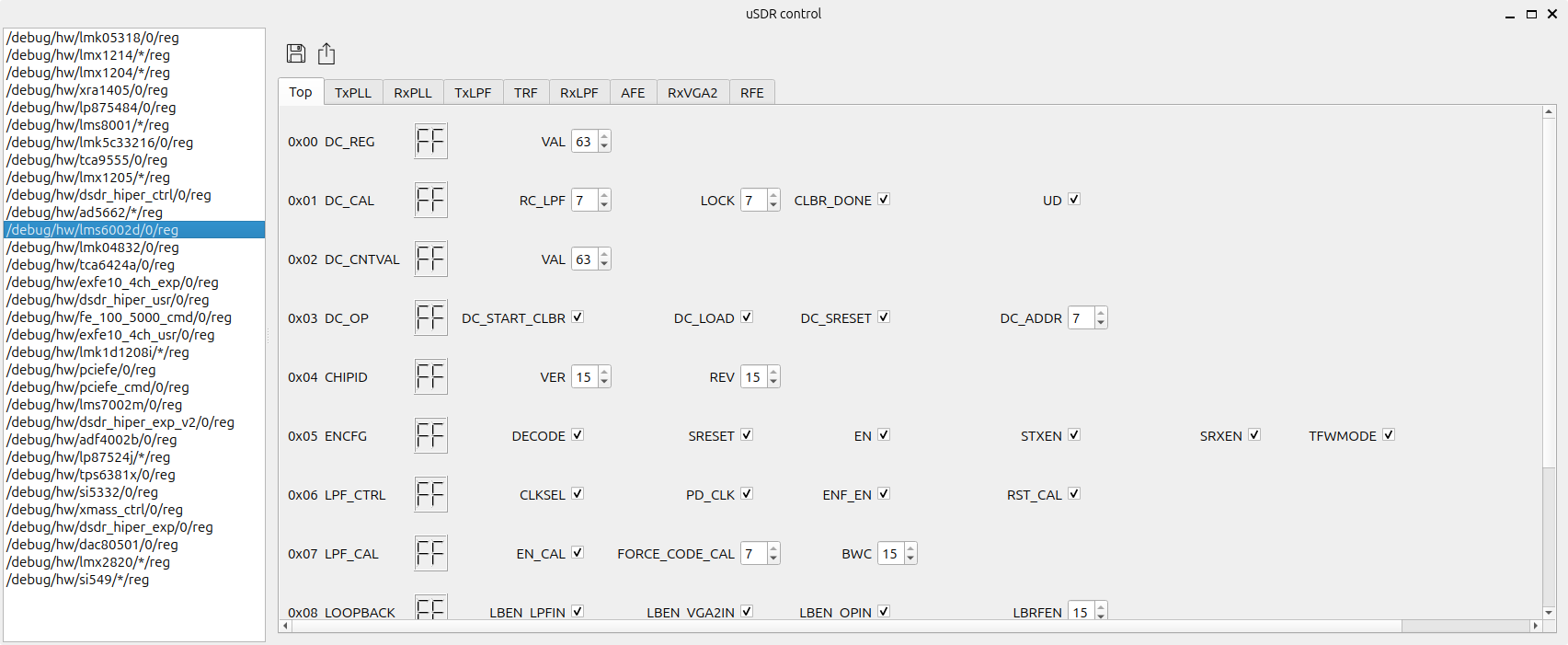
The example image below shows the page of LMS6 chip registers control. Each control of the page corresponds to a specific register of the chip.
Warning
How to run
In order run the tool, you have to enable the debug mode.
This can be done by setting the environment variable USDR_DEBUG to 1 before executing an application.
Note
SoapySDR adapter.The code below shows how to do this with usdr_dm_create utility.
export USDR_DEBUG=1
usdr_dm_create -r1e6 -e100e6
The usdr_dm_create utility should start normally. Debug mode instructs the uSDR library to create the usdr_debug_pipe named pipe for communication with the usdr_registers tool.
Now you should open the second terminal window at the same directory when the application was started and run the usdr_registers tool.
usdr_dm_create
Alternatively, you can specify the named pipe path directly using the --pipe option of the usdr_registers tool.
usdr_registers --pipe /path/to/usdr_debug_pipe
The usdr_registers tool will connect to the running application via the named pipe and display the control window.